
Installing enterprise applications with expired profiles
If you want to install an Enterprise application, and its main provisioning profile has expired, installation with the ‘Enterprise app’ toggle will be unavailable. The system will automatically disable the ‘Enterprise app’ toggle in the installation window, preventing you from proceeding with the installation as an Enterprise app.
After uploading the application to the platform (see the Application Installation page), the app appears in the Application Management section.
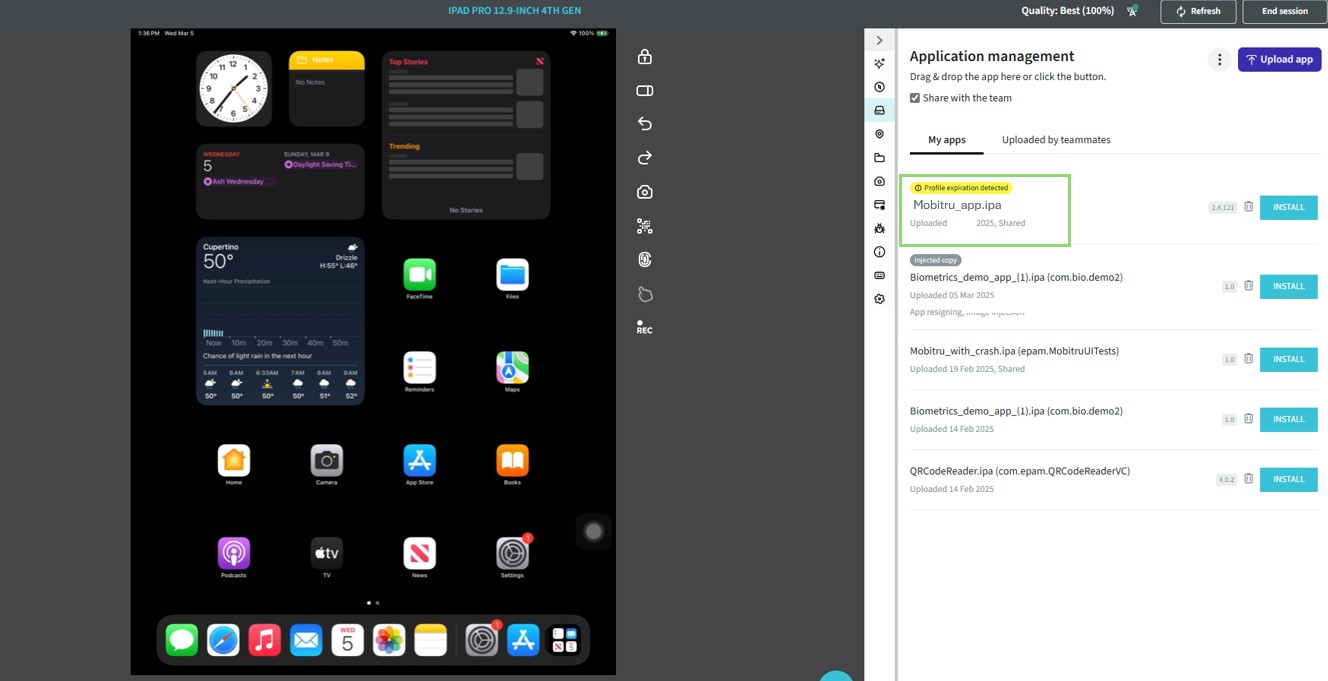
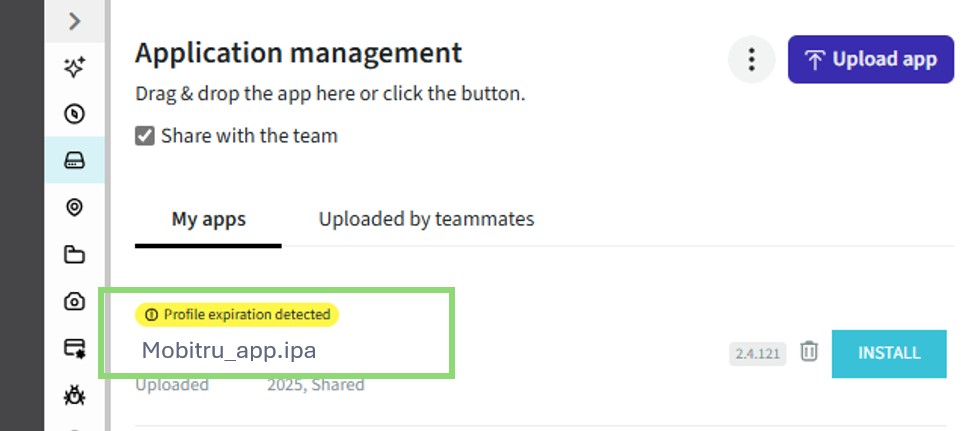
If the provisioning profile has expired, the label ‘Profile expiration detected’ will appear above the app name.
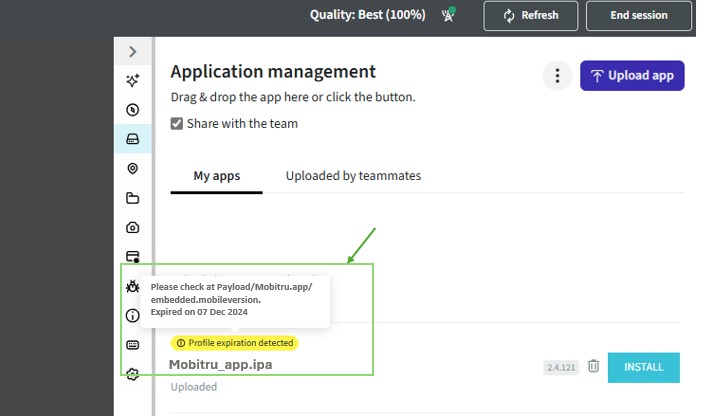
Hover over this label to see more details. For instance, you might see a message such as:
“Please check at Payload/Mobitru.app/embedded.mobileprovision. Expired on 07 Dec 2024.”
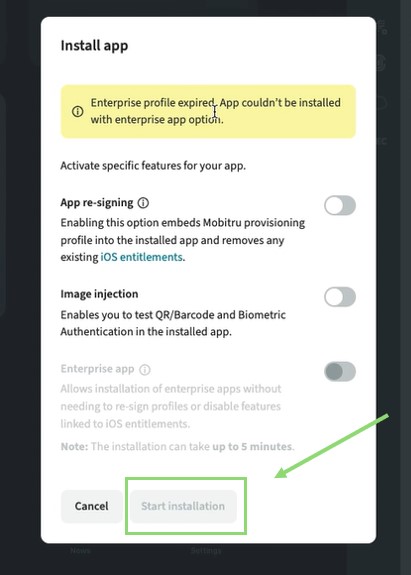
If you click “Install” for this application, you will also see a warning: “Enterprise profile has expired. The app could not be installed using the enterprise app option.”
- The ‘Start Installation’ button is disabled, preventing further installation steps.
- The ‘Enterprise App’ toggle is also disabled.
For information on App re-signing, please refer here.
For information on Image injection, please refer here.