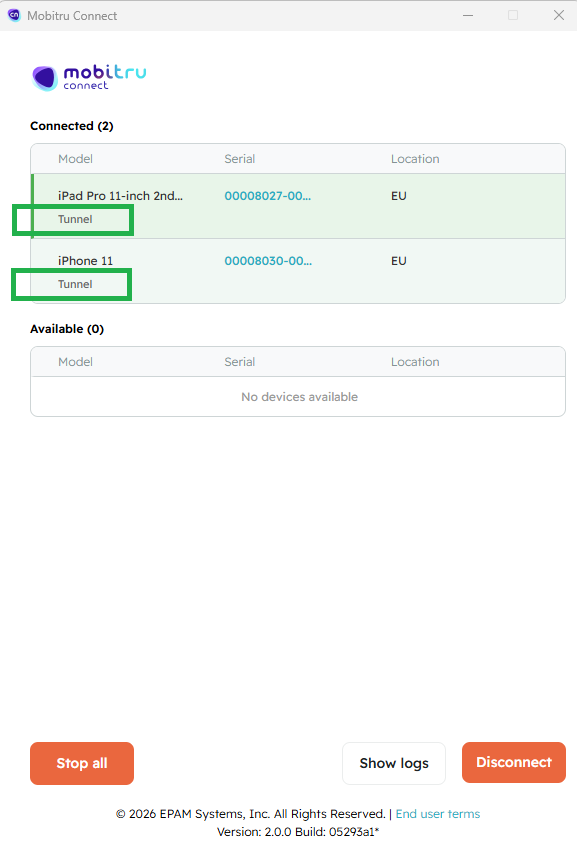
Mobitru Connect & multi-device proxy sessions
Persistent multi-device proxy sessions
- Make sure to start the device session/sessions before working with the Mobitru Connect.
- Download a new build of the Mobitru Connect from Download center.
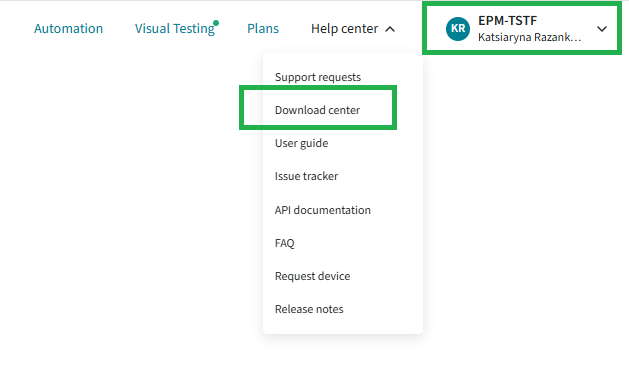
Mobitru Connect is available for the following platforms:
Linux, Linux (Console), Mac OC (Universal), Windows, Windows (Console).
Kindly find a screenshot below.
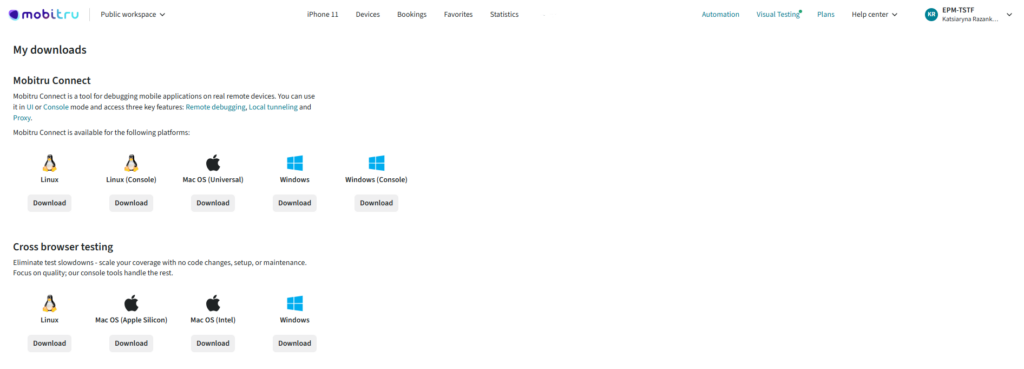
View of the Mobitru Connect:
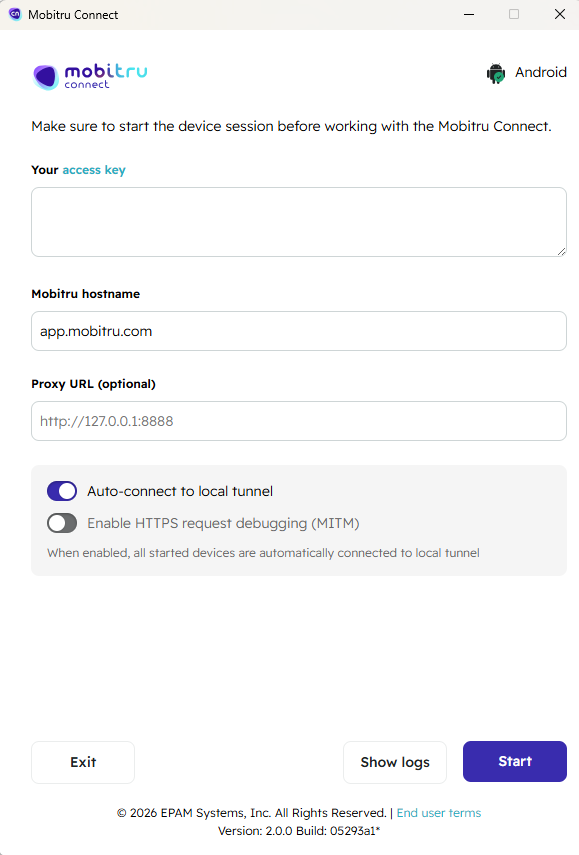
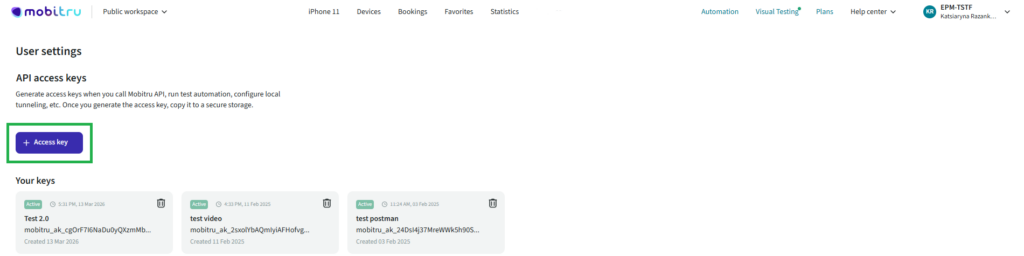
3.Generate API access key through the User Settings under your Bulling unit.
Paste the copied value to Your access key in Mobitru Connect.
Note: Generate access keys when you call Mobitru API, run test automation, configure local tunneling, etc.
Once you generate the access key, copy it to a secure storage.
4. Important: You no longer need to provide the device’s UDID or serial number (this was previously required).
5. Leave “app.mobitru.com” in Mobitru hostname.
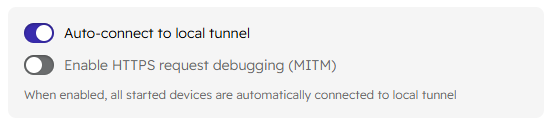
6. Enable the Auto-connect to Local tunnel toggle.
7. Enjoy